 Image to prompt
Three ways to capture
Right-click an image, select one on the page, or choose a file from your computer.
Turn any picture into a detailed AI prompt. Right-click an image on the web, pick one from the page, or upload a file — then copy the prompt or continue to create, remix, and animate.
You only send images you explicitly choose. Privacy policy
30-second walkthrough with subtitles
Capture from anywhere, get a rich text prompt, then take it wherever you create.
Right-click an image, select one on the page, or choose a file from your computer.
A vision model describes style, subject, lighting, and composition in a prompt you can copy.
Copy the prompt, or continue to create, remix, animate, or use it as a reference in Dovoo AI.
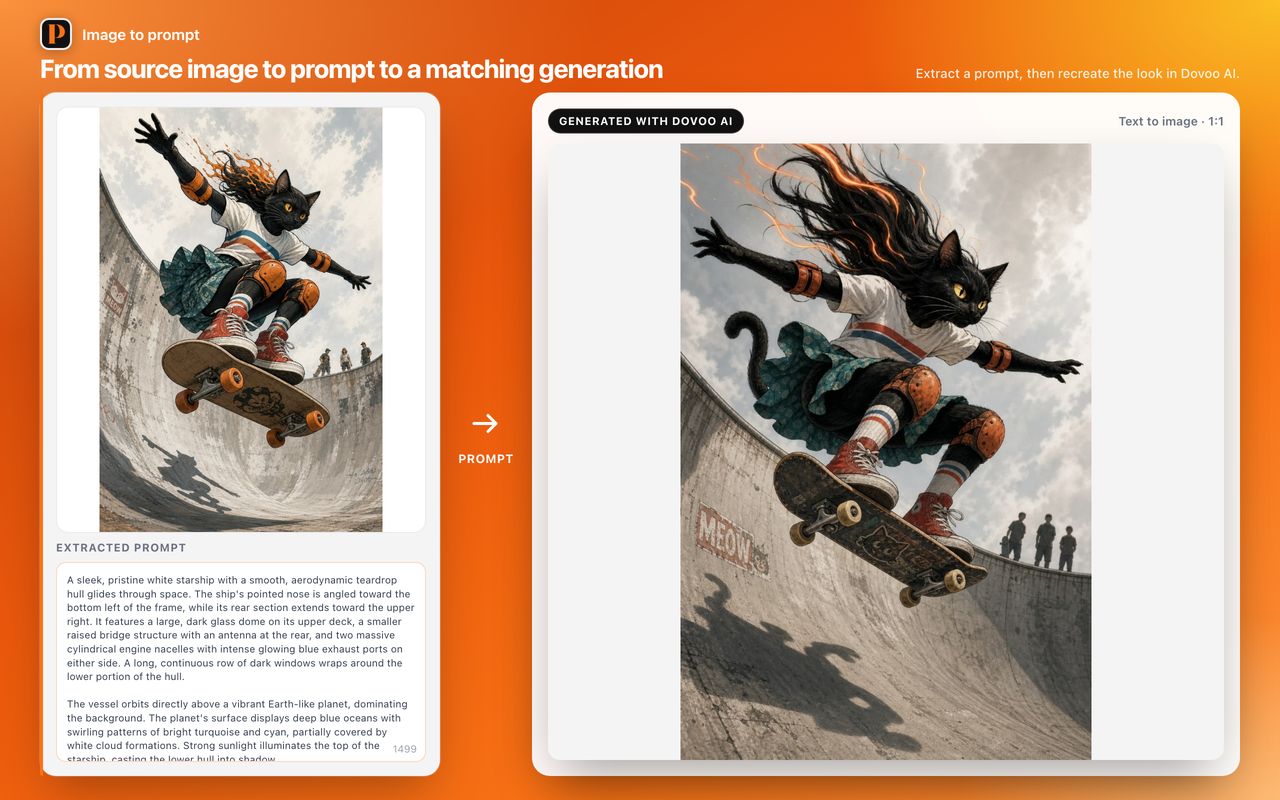
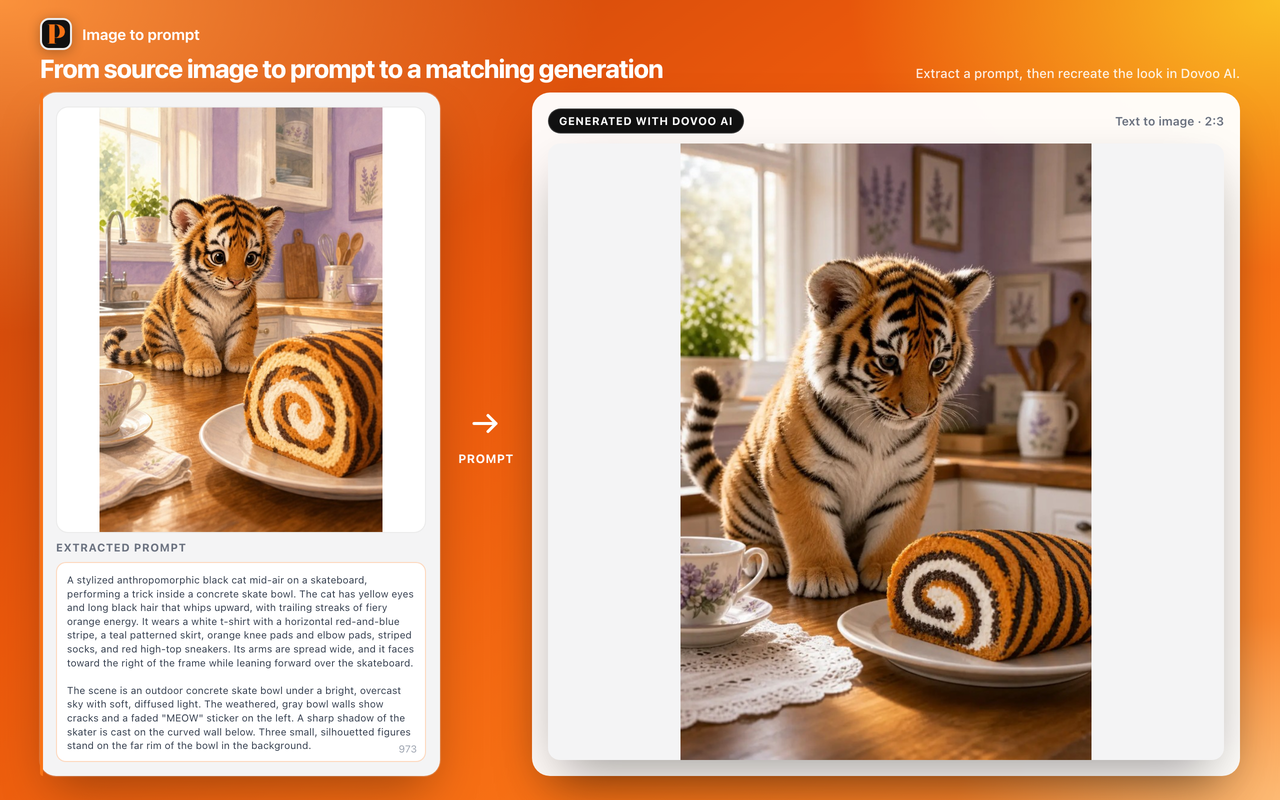
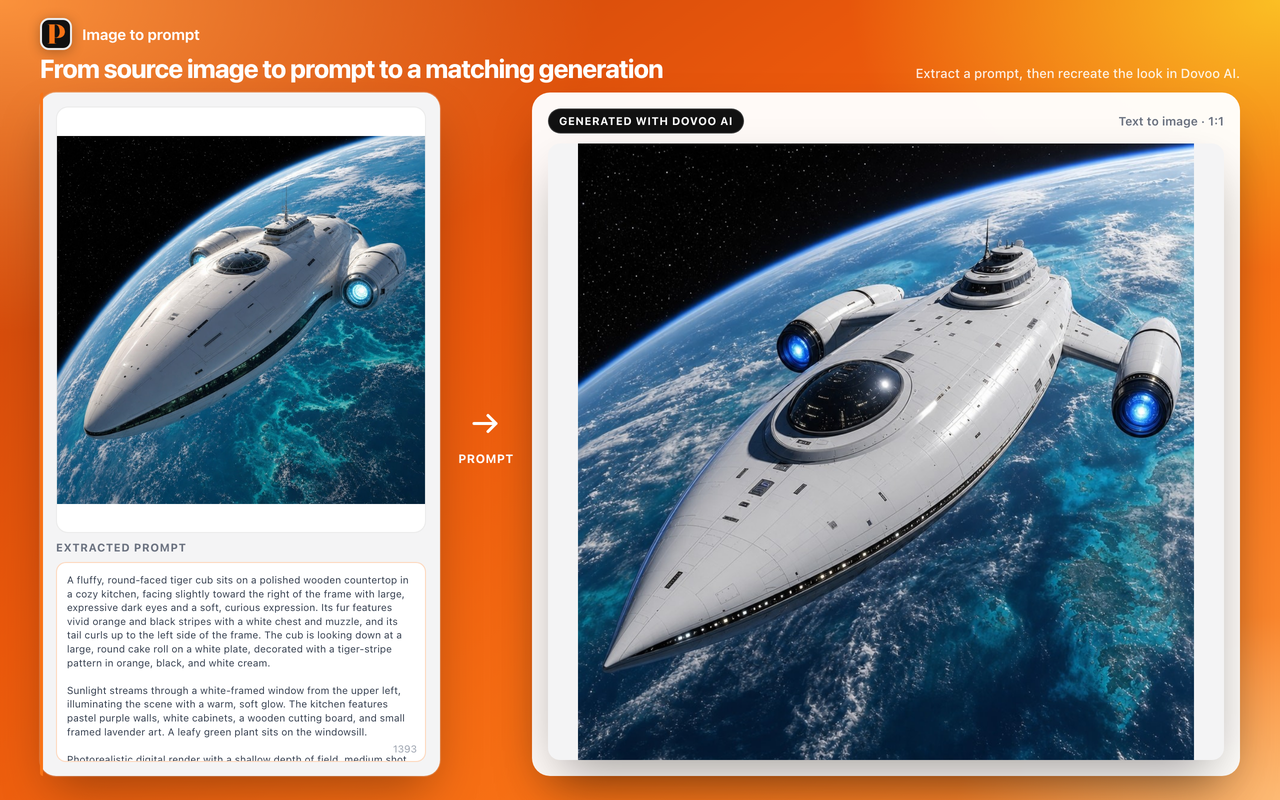
Still frames from real prompts — photos, illustrations, and stylized art.
Install, pick an image, and get a prompt in seconds.
Free Chrome extension. No account. You control what gets sent.
 Add to Chrome